



Record. Review. Automate.

Widgets and Shortcuts to record and view your values every day.

DataJot lets you store your encrypted data in iCloud and visualize it over time. Add a value from a widget or the Shortcuts app, and always keep your information up to date.

Download

Core Features

Record a value in one tap

Record a value in one tap

Quickly add a value from the app, a widget or a Shortcut — one tap is enough.

Automate with Shortcuts

Automate with Shortcuts

Integrate DataJot into your automations to record values automatically.

Quick access with widgets

Quick access with widgets

View and add values directly from your home screen using handy widgets.

Visualize trends

Visualize trends

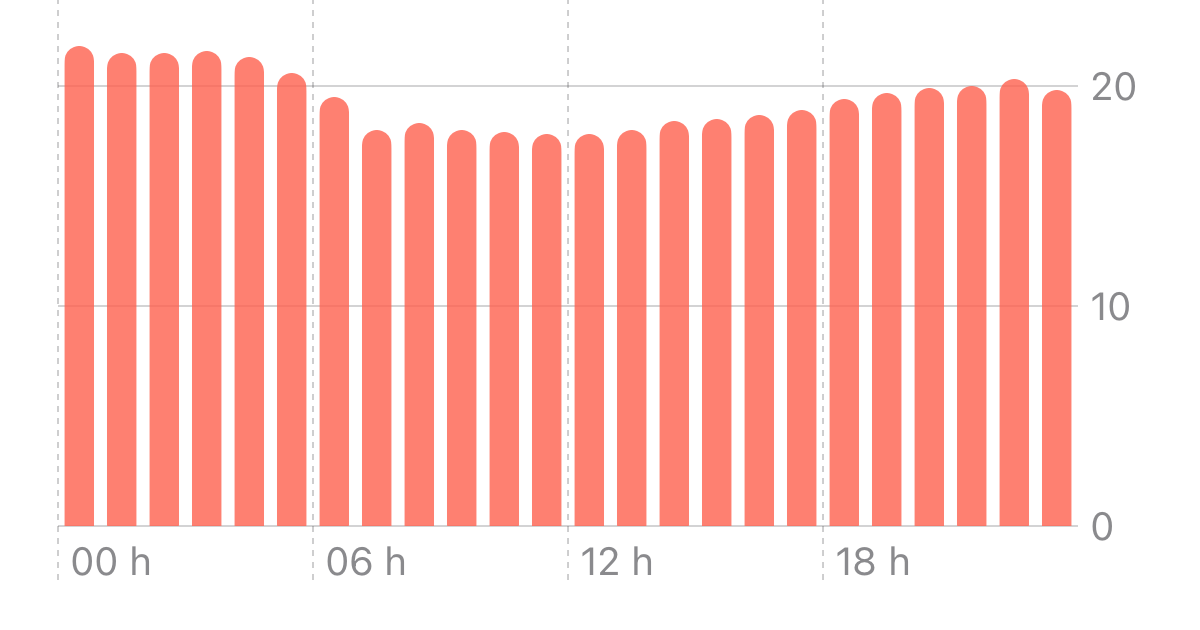
Track your values over time and view trends with simple charts.

Why Choose DataJot?

Privacy First

No tracking, no analytics, no data collection. Your information stays on your devices.

One-Time Purchase

Buy once, use forever. No subscriptions or hidden fees.

Apple Shortcuts Ready

Automate your data tracking with powerful Apple Shortcuts integration.

Simple & Fast

Clean interface designed for speed and ease of use across all your Apple devices.

Roadmap

Discover the upcoming features for DataJot

Export, widgets and easier onboarding

November 2025

CSV import/export, improved charts and widgets, tutorial links, and a new onboarding flow.

  • CSV data import and export
  • Improved charts (dynamic scales, tooltips)
  • Improved widgets (better-looking buttons, preview)
  • Direct links to tutorials
  • Basic onboarding to help you get started

Units, templates and international rollout

November 2025

New unit and series templates, improved large-value display, and an international launch with English support.

  • Unit templates (preconfigured standard units)
  • Improved display for large values (e.g. 1000 mm → 1 m)
  • Series templates to create new data faster
  • International rollout (Europe, US) with English app support

Comparisons and built-in intelligence

December 2025

Display multiple series on the same chart, import and export data in JSON, and get AI-powered insights with Apple Intelligence.

  • Display multiple data series on a single chart or widget
  • JSON data import and export
  • Apple Intelligence integration to generate insights from your data
1.0.0

Version 1.0.0

New Features

  • Create and manage custom data series.
  • Add new values directly from the app, a widget, or a Shortcut.
  • Support for numeric data types.
  • Local storage secured with SwiftData and App Group.
  • Integration with Shortcuts (App Intents) for automating data input and retrieval.
  • Clean, minimalist interface inspired by Apple’s Health app.

Notes

This first version establishes the foundation of the app: architecture, storage, and Shortcuts integration.
Future updates will focus on improving and personalizing data visualizations,
data import/export, and Apple Intelligence integration.


Latest Articles

Discover our latest articles and news

Create a coffee counter with DataJot and track your consumption

Create a coffee counter with DataJot and track your consumption

Learn how to create a coffee counter with DataJot to track your daily intake, visualize your habits, and automate entries using the Shortcuts app.

December 2, 2025

Read
Create a cigarette counter with DataJot and track your consumption

Create a cigarette counter with DataJot and track your consumption

Learn how to create a cigarette counter with DataJot to track your daily consumption, visualize your progress, and automate entries using the Shortcuts app.

November 13, 2025

Read
Create a Counter with DataJot

Create a Counter with DataJot

Learn how to create a customizable counter with DataJot, using a widget or shortcut, including value aggregation and the Action Button on recent iPhones.

November 6, 2025

Read