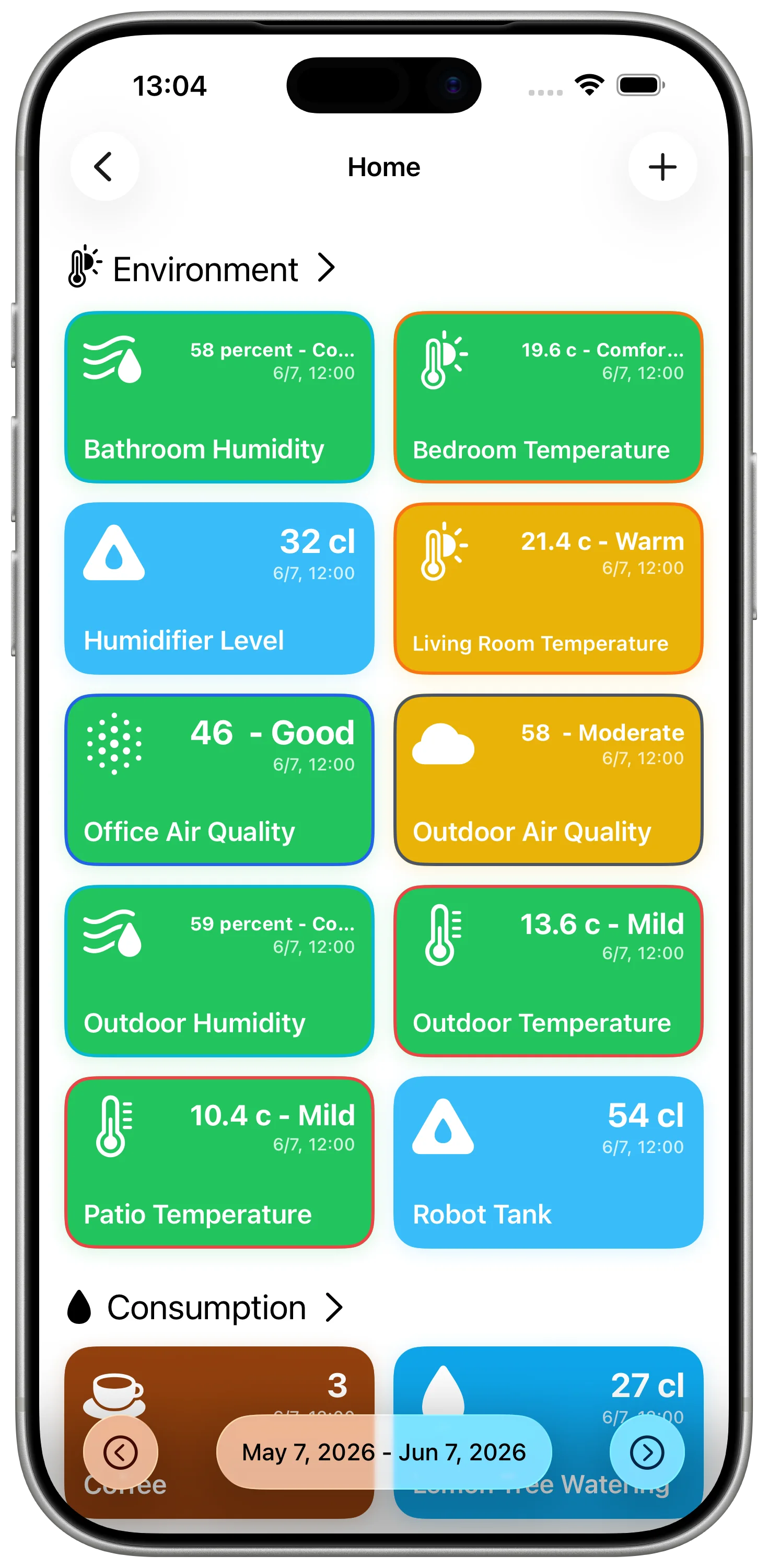
Apple Home is useful when you want to check the current state of a room. It can show the temperature, humidity, air quality, light level, and other values exposed by HomeKit accessories.
What it does not give you is a clean log of those sensor readings over time. If you want to know what happened last night, compare two rooms, or keep a record outside the Home app, you need to store the values somewhere else.
What Apple Home Can Show
Apple Home is built around the present state of your home. That is the right design for many everyday tasks:
- checking whether a room is warm enough right now
- seeing if a sensor is online
- triggering automations from a current value
- controlling lights, plugs, thermostats, and other accessories
For live control, this works well. The problem starts when the question changes from "what is happening now?" to "what happened over the last few days?"
What Is Missing
For many HomeKit sensors, Apple Home does not provide the kind of history people expect from a tracking tool.
You do not get a practical place to review:
- a room-by-room sensor log
- temperature changes overnight
- humidity trends after a shower
- air quality changes during the day
- a simple exportable record of readings
That history is often the useful part. A single value says the bedroom is 18 C. A log shows when it dropped, how long it stayed there, and whether the same thing happens every night.
Build Your Own HomeKit Sensor Log
DataJot can act as the missing log for HomeKit values. The idea is simple:
- HomeKit exposes the current sensor value.
- Apple Shortcuts reads that value on a schedule.
- DataJot stores each reading in a series.
After a few days, the series becomes a useful history instead of a pile of isolated readings.
Keep the structure simple. One sensor should write to one DataJot series. If you track bedroom temperature, bathroom humidity, and office air quality, create three separate series. That makes the charts easier to read and keeps the data clean.
Values Worth Logging
The best HomeKit logs are numeric values that change slowly enough to reveal a pattern.
Good candidates include:
- indoor temperature
- humidity
- air quality
- CO2, if your sensor exposes it
- brightness
- outdoor temperature from a compatible sensor
Contact sensors and motion sensors can be useful too, but they are event-based rather than measurement-based. DataJot is most natural when the value is a number you want to chart over time.
Start with Temperature
Temperature is usually the easiest first HomeKit log. It changes often enough to be interesting, but slowly enough that a reading every 30 or 60 minutes is useful.
If you want the full setup with screenshots and the exact Shortcut structure, start here:
Track HomeKit Temperature History with Apple Shortcuts
Once that works, you can reuse the same structure for humidity, air quality, or another numeric HomeKit measurement.
In Short
HomeKit shows the current state of your home, but it is not a long-term sensor log. DataJot and Apple Shortcuts let you keep a simple history of the HomeKit values you care about, without changing your smart home setup.