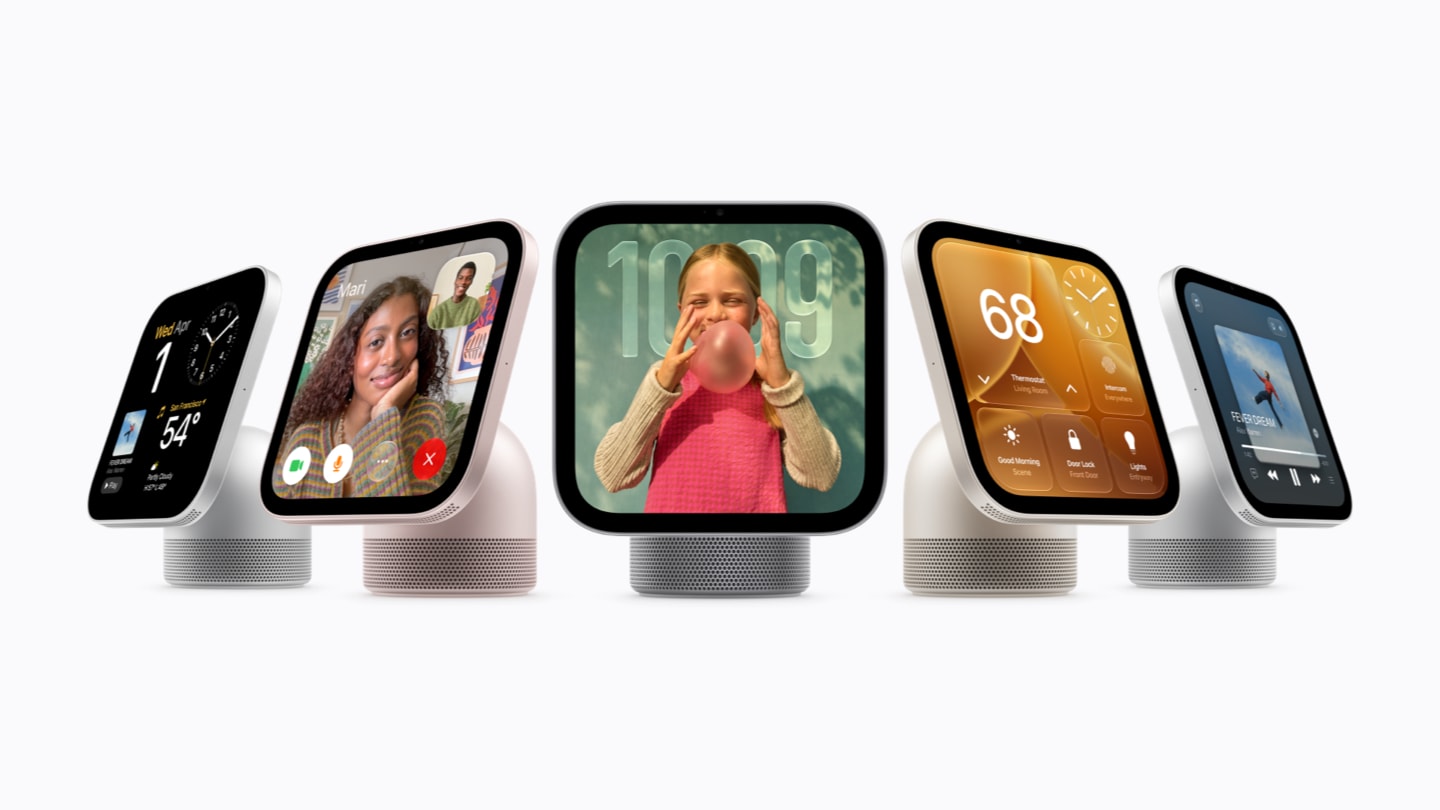
Apple announced HomeView on October 13, 2026. This new display brings together home controls, calls, and everyday content. For DataJot, it opens up a possibility: making your series accessible from a device at the heart of your home.
Cover image: © Apple, Apple Newsroom.
A display for the home
HomeView combines a 7-inch Liquid Retina touchscreen with the A18 chip. Apple offers a tabletop version with a speaker base and a wall-mounted version. Its technical specifications also list a temperature and humidity sensor.
Apple’s HomeView overview highlights several uses:
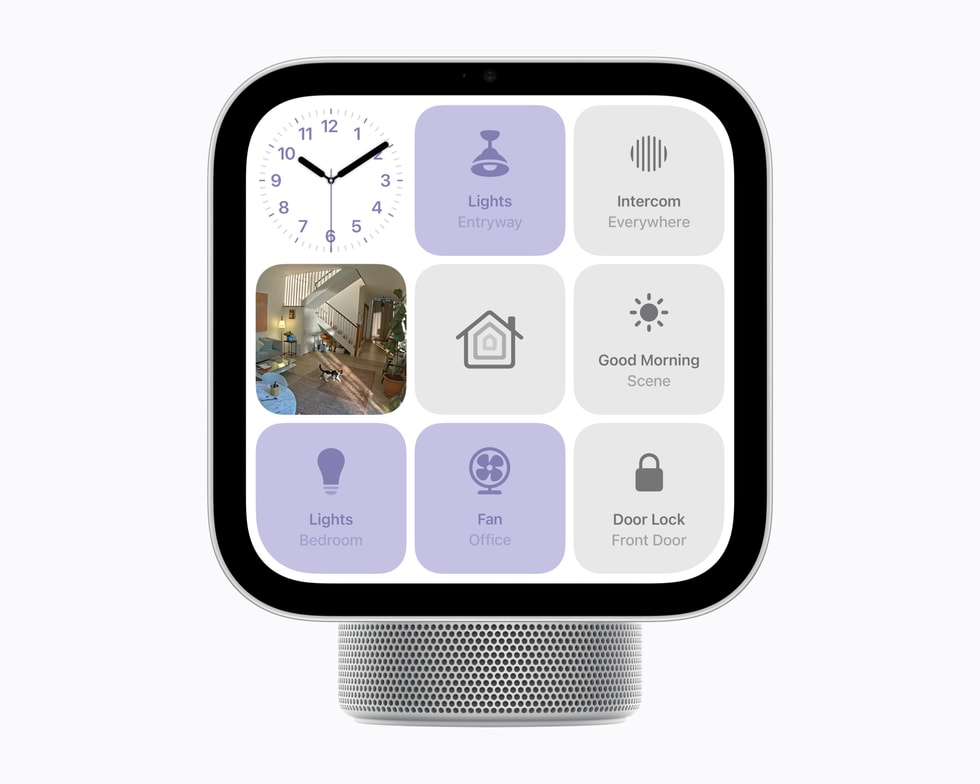
- Control your home: manage compatible Home accessories, scenes, and automations, and display up to nine camera feeds.
- Use Siri AI: ask questions and draw on personal context with a paired iPhone or iPad that supports Apple Intelligence.
- Stay connected: make FaceTime calls with automatic framing, use Messages, and send Intercom messages.
- Access your content: music, podcasts, photos, calendar, and reminders.
The device recognizes up to six people and adapts the experience to each one.
Image source: Apple Newsroom.
Available starting November 13
Apple has announced initial availability on November 13, 2026, at $299 in the U.S. for either version. Mounting and power accessories for the wall-mounted model are sold separately.
HomeView will not be sold in the European Union at launch. Siri AI will be available in English in the launch countries. These conditions are detailed in Apple’s announcement.
DataJot: aiming for an integration from day one
Our goal is to offer a DataJot integration from the first day HomeView is available. We want to make the data you track easier to check and record around the house.
The uses we want to validate first are:
- checking a series’ latest recorded value, such as a temperature, humidity reading, or counter
- viewing a chart to see how measurements change over time
- adding a value to a series through the interactions the device supports
DataJot already offers widgets and Shortcuts actions. These are our starting point for exploring this integration. The exact scope will depend on the possibilities Apple provides and testing on HomeView. Compatibility remains to be confirmed.
Connecting with your home’s data
You can already use Shortcuts on iPhone or iPad to read a compatible Home sensor’s value and send it to DataJot. The guide Track HomeKit temperature history with Shortcuts explains this workflow.
A temperature reading tells you how a room is doing now. A series of measurements lets you see how it cools overnight or changes across several days. We want to make that connection between readings and history accessible from HomeView, while respecting the personal nature of series on a shared device.